

POS User Roles, Security and Audit Log
A shop with staff needs to decide who can see what. MuchLogic POS separates admins from cashiers, keeps sensitive numbers private and records who changed what.
What you can do
- Admin and cashier roles. Cashiers sell; admins manage.
- Sensitive screens are admin-only. Cost prices, supplier data, finance and audit screens are visible to admins only.
- Sensible password rules. 8 or more characters, a letter and a number, and not the person’s name or email.
- Retire, don’t delete. Retire and reactivate staff instead of deleting them, so history stays intact.
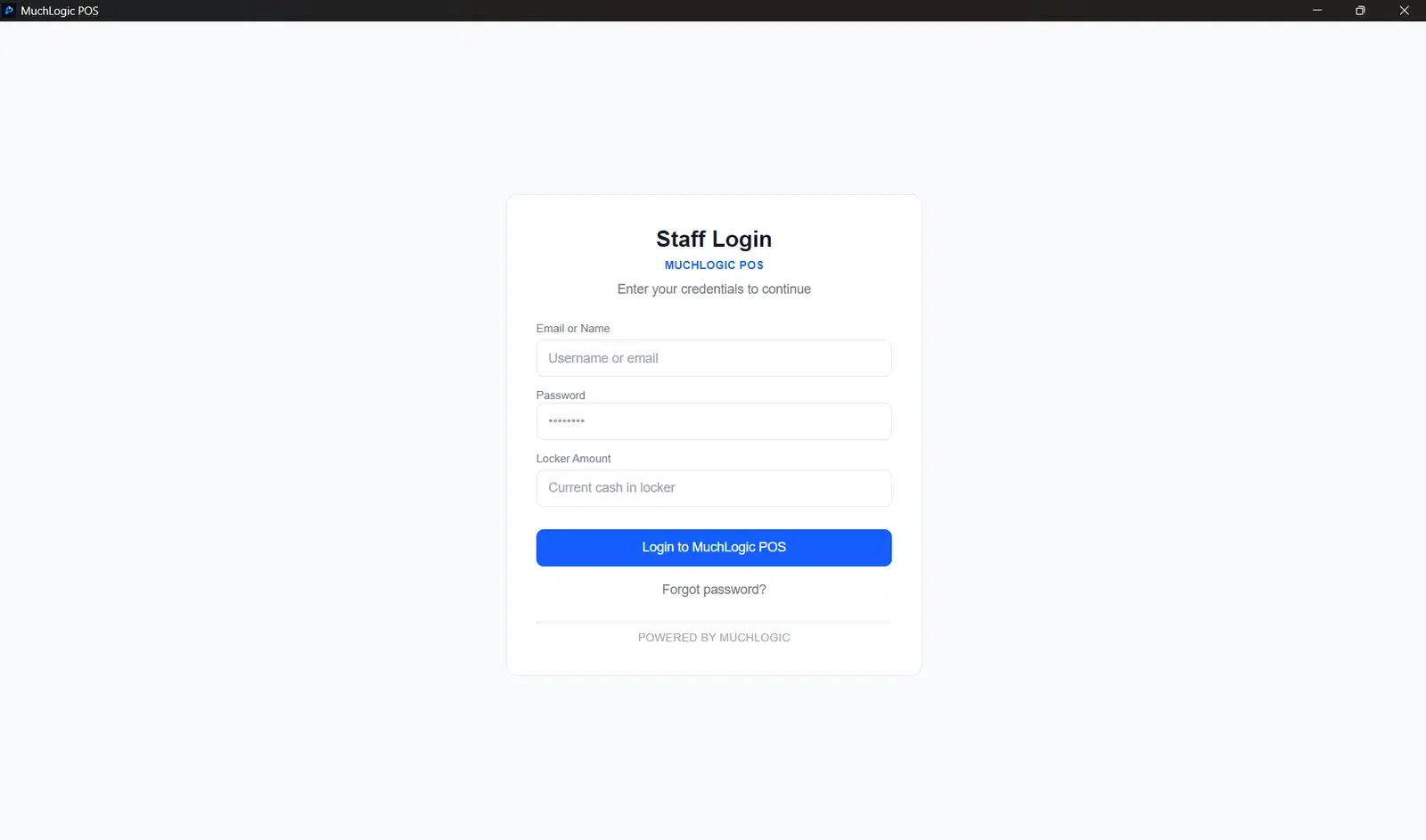
- Password recovery code. A recovery code helps if a password is forgotten.
- Audit log. Sensitive changes are logged — who did what.
- First-run wizard. An onboarding wizard sets up the shop name and printer.
- Unique session secret. Every installation has its own session secret.
Who it's for
- Owners who employ cashiers
- Shops that want accountability for changes
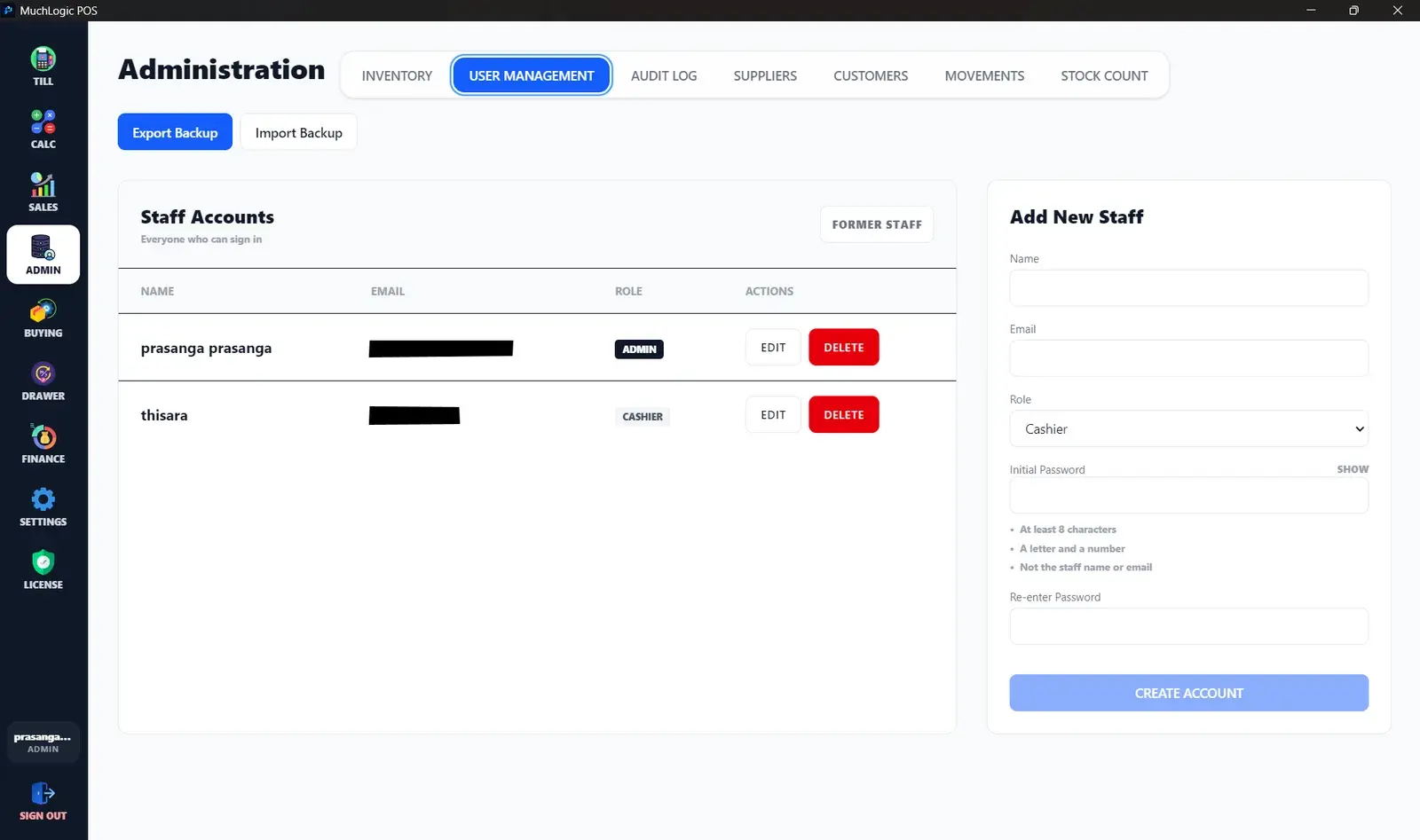
See it
Staff & Security in MuchLogic POS
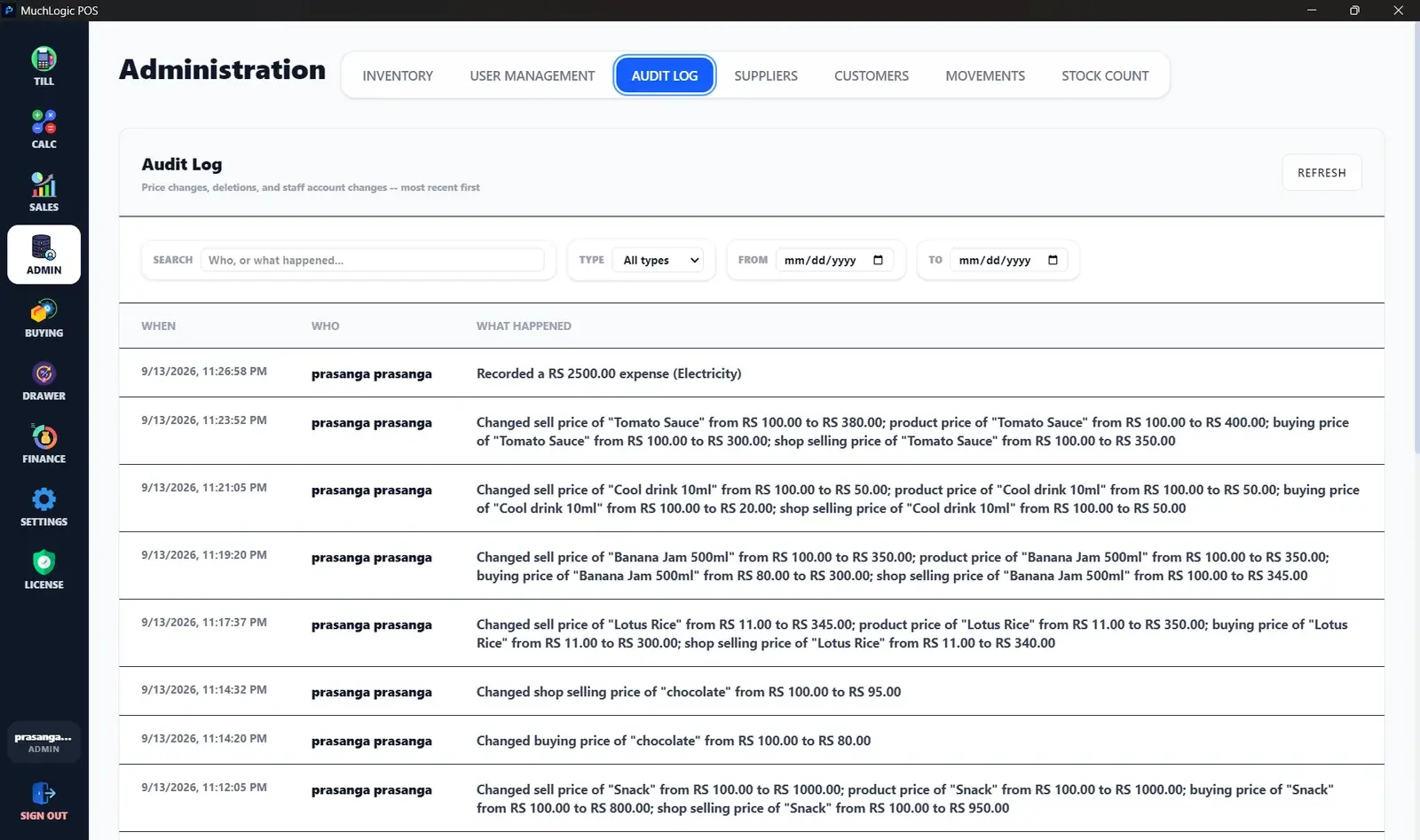
Staff & Security: common questions
Can cashiers see my cost prices?
No. Cost prices, supplier data, finance and audit screens are admin-only.
What if someone forgets their password?
MuchLogic POS provides a recovery code for a forgotten password.
Ready to try MuchLogic POS?
Install it, try it free for 7 days, then activate with a licence key from Gumroad.