

POS Sales Reports for Small Shops
You already record every sale. Reports turn that record into answers: what sold, how much came back as refunds, and who sold it. MuchLogic POS gives you reporting inside the same system you use at the counter.
What you can do
- Flexible sales summary. View by day, week, month, year or a custom range.
- Charts and stat tiles. Sales versus refunds charts, a product breakdown donut and stat tiles.
- Orders, refunds and details. Browse the orders list and refunds, and open any order’s details.
- Filter by cashier and customer type. Split by cashier and by saved versus walk-in customers.
- PDF report. Export the report as a PDF.
Who it's for
- Owners who want to know how the week went without a spreadsheet
- Managers reviewing cashiers and refunds
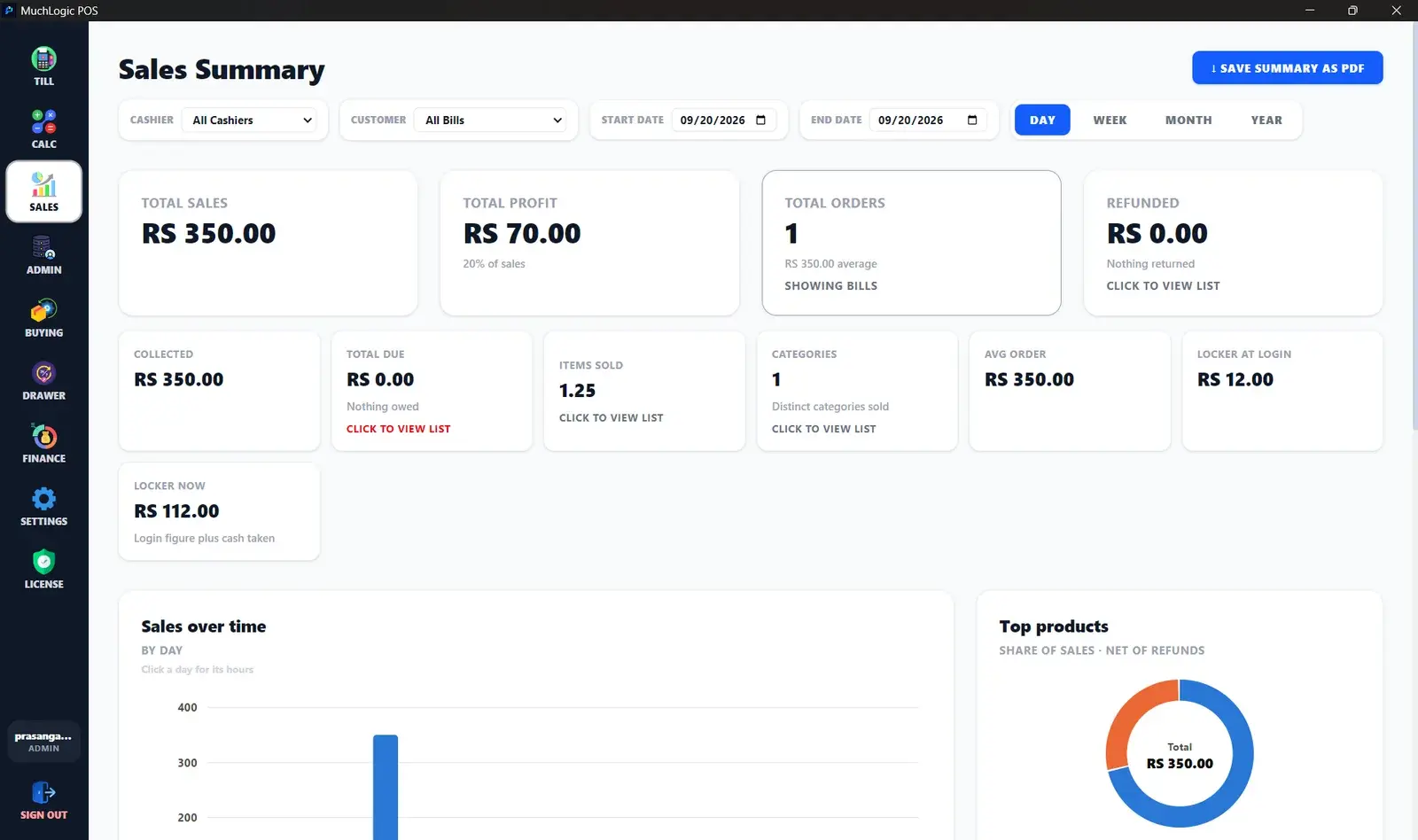
See it
Reports in MuchLogic POS
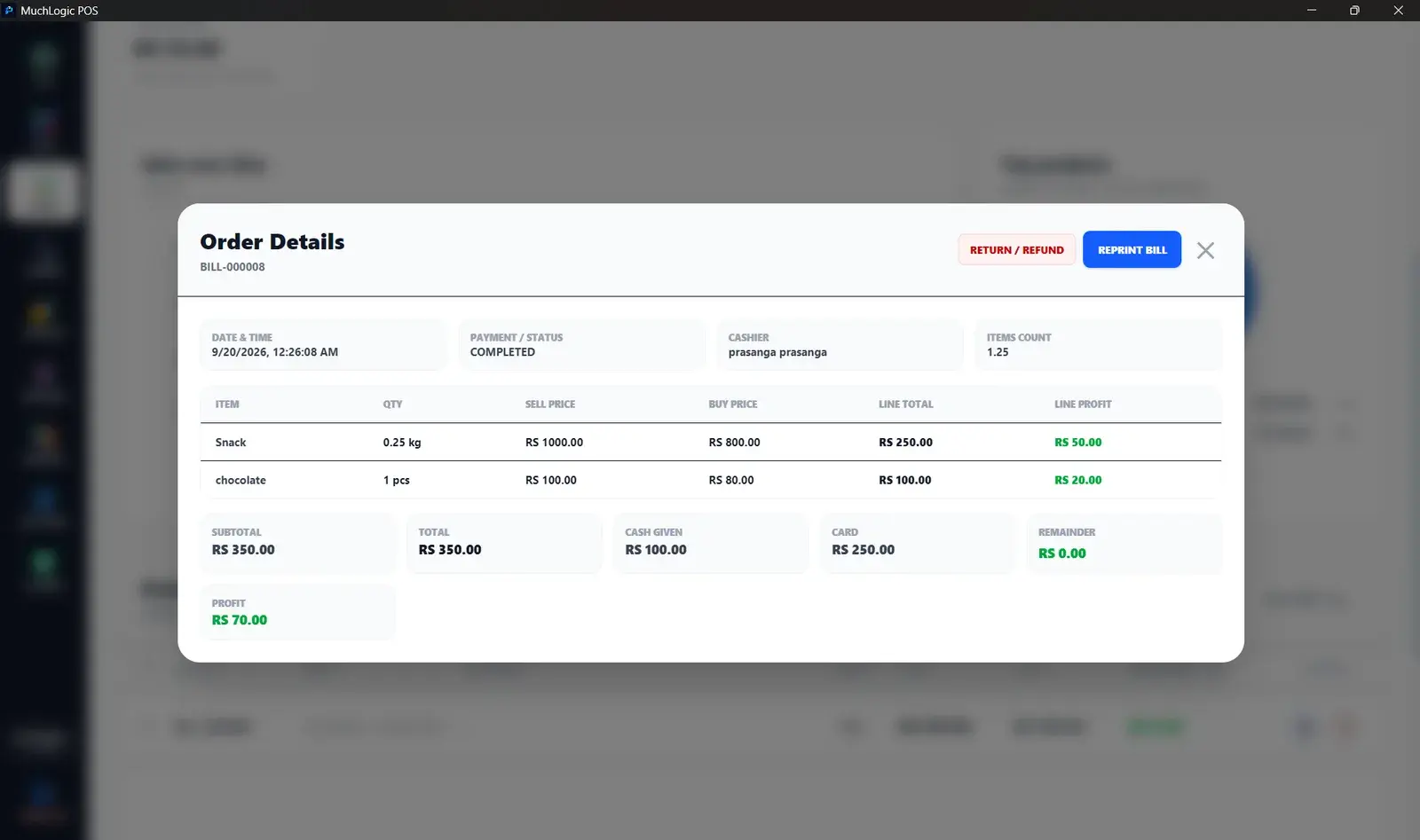
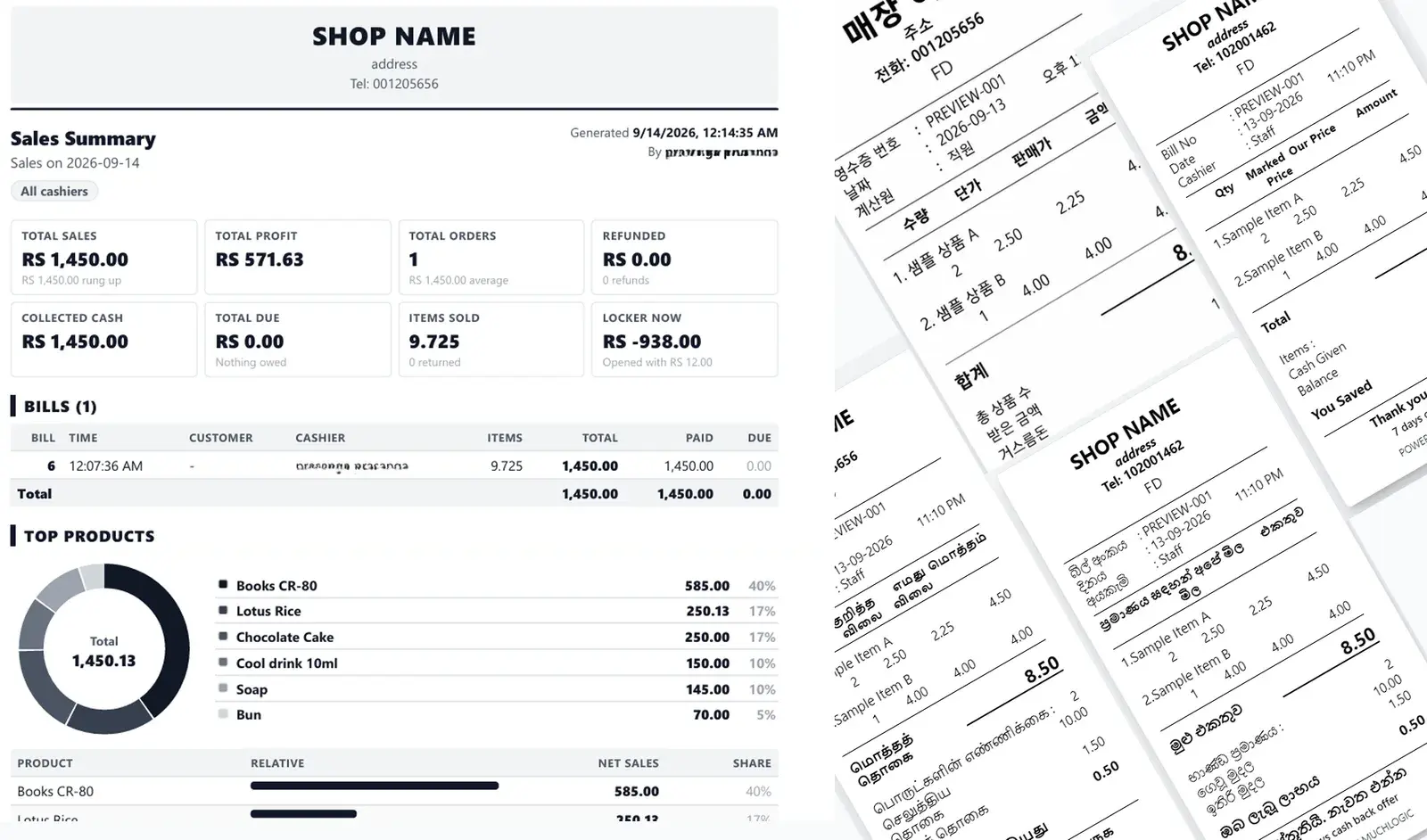
Reports: common questions
What reports does MuchLogic POS provide?
A sales summary (by day, week, month, year or custom range) with sales-versus-refunds charts, product breakdown, orders and refunds lists, and cashier and customer filters, exportable as PDF. Financial reporting is covered in finance and tax.
Ready to try MuchLogic POS?
Install it, try it free for 7 days, then activate with a licence key from Gumroad.